Fretfall Player, a Note Highway in Plain JavaScript
How Fretfall Player works: a 3D note highway for Guitar Pro tabs in plain ES modules, worked-out fingering, a recording lined up by FFT, and practice loops.
- Article
- Article 077 of 77
- Category
- Develop
- Steps
- 10
- Project
- Fretfall Player
- Code samples
- JavaScript
Notes that fall towards you
A tab tells you which fret to press on which string. It's bad at telling you when, and it says nothing at all about which finger. You can read every number on the page and still play the song like someone reading a recipe out loud.
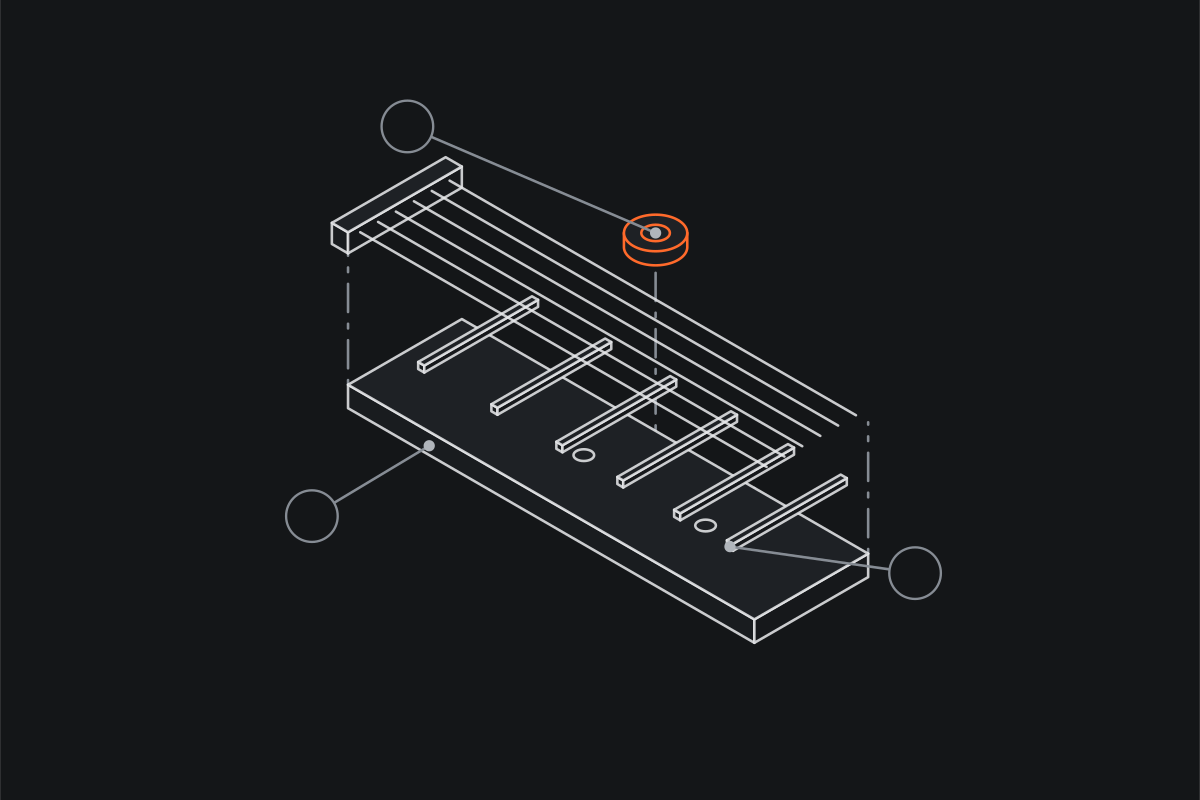
I play guitar. It was on the list of habits I tracked back in 2020. What a static page of tab can’t give you is the song and the next note at the same moment. Arcade-style note highways do exactly that: the notes come down a lane towards you and you play them when they reach the line. So I built one that opens ordinary tab files, the Guitar Pro and MusicXML kind that are already everywhere.
It’s called Fretfall Player. It runs at fretfall.com, the code is on GitHub under MIT, and it’s published to npm as @fretfall/player. This post is a tour of how it works under the hood, because the interesting parts turned out to be the maths and not the UI.
What it does
You open a Guitar Pro file (.gp, .gp3 to .gp5, .gpx) or MusicXML (.musicxml, .mxl) and the notes start falling down a 3D fretboard. Hand positions are drawn on the neck, every note carries the finger that should play it, chord names sit beside the shapes, and the fret numbers are painted on the floor of the highway like road markings.
Then you can drop the band’s recording on it (.mp3, .m4a, .ogg, .wav or .flac) and the player works out on its own where in that recording the tab starts. From then on you play along with the real song instead of a synth.
Beyond the highway there are two more views: a tablature, scrolling or a page at a time, with the rhythm written over the staff; and a notation page, which sets the tab as systems of whole bars with the technique marks, chord names and lyrics. For practice there are phrase loops, a speed control with a speed trainer, and a metronome. And there’s a band mode that opens every other part of the song in a window of its own, all playing in time.
The house rules
Two rules are written in the README and enforced by CI, and they shape everything else:
- No framework and no runtime dependencies. Plain HTML and ES modules. The whole player is about 70 kB gzipped.
- No pull request may make it slower or bigger.
The second one is checked properly. scripts/bench.mjs builds the player and the base branch, then runs both in turns on the same runner, so the machine’s ups and downs hit them alike. It measures frame time and draw calls of the highway, the tablature and the notation page over a whole song, how long lining up a recording takes, the fingering, and the gzipped size. More than 10% worse on frame or sync time, 5% on draw calls or 1% on size, and the build fails. A regression taken on purpose needs the perf-ok label.
The canvas in that benchmark is a Proxy that draws nothing and only counts calls, so the number it reports is the time spent in the player’s own code and not in the GPU. It also means the benchmark runs in plain Node, no browser needed.
There is one honest asterisk on “no dependencies”: reading and synthesising the tab files is done by alphaTab, which the page loads from jsDelivr at runtime, together with its SoundFont. It’s not bundled and not in package.json, but the player can’t open a Guitar Pro file without it. Writing a Guitar Pro parser from scratch was never on my list, and alphaTab does it well.
The only dev dependencies are esbuild and oxlint. Tests are node --test with plain node:assert, no framework.
The modules
There’s no build step for development beyond esbuild serving src/ on port 4410. The repository is small enough to describe in a table:
| Module | What it does |
|---|---|
player.js |
the page: opening files, alphaTab, the transport, practice tools, settings, band windows, the public hook |
highway.js |
all three views drawn on a canvas: the 3D highway, the tablature and the notation page |
music.js |
pure helpers: tempo maps, tunings, note names, repeated chords |
fingering.js |
hand positions and fingers for charts that don’t say |
sync.js |
lining a recording up with the chart |
themes.js |
the looks: colours, fonts, note shapes |
mount.js |
the player in an element of someone else’s page |
music.js, fingering.js and sync.js touch no DOM at all, which is why they each have a test file next to them that runs in plain Node. The two big ones are player.js, the glue, at about 3,500 lines, and highway.js at about 2,800.
The highway is a canvas, not WebGL
The 3D highway is a 2D canvas with a hand-rolled perspective camera. The comment at the top of highway.js describes it better than I can: a camera looks down the highway from just behind the strike line, so the strings there read as a fretboard and the notes rise out of the distance. World units are fret widths, and time runs along the z axis.
Every frame, a few constants turn time into distance. Notes travel 28 fret widths per second, and the highway shows 84 fret widths ahead of the strike line, so with the default settings you see three seconds of music coming at you:
const VH = 900, HIGHWAY = 84, NOTE_SPEED = 28;

export const lookAhead = (view) =>
  (HIGHWAY * (view.drawDistance ?? 1)) / (NOTE_SPEED * (view.noteSpeed ?? 1));
The projection itself is a one-liner per point: subtract the eye, take the dot product with the camera’s forward vector, and divide by it. Because that function runs thousands of times a frame, the camera vectors are unpacked into plain local variables before the loop instead of being read out of arrays each time. It’s the kind of thing you’d never write in a tutorial and it shows up straight away in the benchmark.
The camera follows the hand. Each hand position coming up in the next three seconds gets framed, a big move zooms out to show both the old and the new position, and then it eases back in. The easing is a critically damped spring, the same maths as Unity’s SmoothDamp, so the camera never lurches even when the target jumps.
Things a canvas is slow at
Most of the comments in highway.js are about what was too slow, which is my favourite kind of comment:
- Shadow blur. A glow with
shadowBluris a separate pass for every shape, and it halved the frame rate. A glowing shape now gets its outline stroked three times underneath it, wider and fainter each time, which falls off the way a blur does. - Big gradients. Filling the floor with a gradient was the slowest thing to draw without a GPU. The floor is now an image one pixel wide with bands of flat colour, stretched over the floor without smoothing: one draw call where there used to be 128.
- Text. Short text is set at quarter-pixel sizes and measured once per font and string, because a font at a size the canvas hasn’t seen before is slow to set up.
- Reading state back. Reading
g.fontback from the context is slow, so the code keeps track of what it last set.
None of that is clever on its own. It’s just the list of things a profiler finds once you have one, and adding ?perf to the URL turns on a frame profiler for exactly that reason.
Fingering, worked out
Most tabs say which fret, but not which finger, and a note highway without fingers is only half the help. fingering.js fills that in with about 60 lines of dynamic programming.
The model is the classic one-finger-per-fret position. The index finger rests on the position fret and fingers one to four cover four frets:
const SPAN = 4;

export const fingerFor = (fret, position) =>
  Math.min(4, Math.max(1, fret - position + 1));
The harder question is which position to be in. Notes are grouped by what’s played together (within five milliseconds of each other), open strings are skipped because they don’t pin the hand, and each group gets the list of positions that would reach all of its notes. Then the whole song is solved at once: every possible position of every group gets a cost, a shift costs 1 + 0.3 per fret moved, a shift during a rest of more than 0.4 seconds costs half, and there’s a small preference for putting the index finger on the lowest note when it fits. Walk the cheapest path back from the end and you have a hand position for every moment of the song.
It isn’t how a teacher would finger every passage, and I wouldn’t claim it is. But it keeps shifts few and short, which is most of what I want when I’m learning something new, and a chart that does say which finger wins over the guess.
Lining up the recording
This is the part I’m most pleased with. You drop an MP3 on the player and it has to answer two questions: at what second of the recording does the tab start, and is the band playing at exactly the tempo the tab says? Live recordings drift, tabs are transcribed by people, and a count-in or an intro of applause moves everything.
sync.js models the answer as a straight line:
audio time = offset + ratio × chart timeand looks for the offset and ratio that put the chart’s notes on the recording’s attacks. It goes like this:
- Decode small. The file is decoded with an
OfflineAudioContextat 11,025 Hz and mixed to mono. The comment says 11 kHz is plenty to find attacks, and it is. - Build an onset envelope. The samples are cut into frames of 1,024 with a hop of 128, each frame goes through a Hann window and a radix-2 FFT (written inline, about 25 lines), and the spectral flux between 150 Hz and 5 kHz says how sharply the sound changes at each moment. Whatever sticks out above the surrounding 0.8 seconds is an attack.
- Coarse search. For every tempo ratio from 0.9 to 1.1 in steps of 0.0025, the chart’s onsets become spikes on a grid, and their cross-correlation with the envelope is computed with FFTs. One pass scores every possible offset at once, which is the trick that makes it fast enough to run in a browser while you wait.
- Fine search. Around the best coarse result, ratio and offset are searched directly in much smaller steps.
- Confidence. How far the best fit stands above the envelope’s average. Below about 2, the recording probably isn’t the song the tab describes, and the player says so instead of pretending.
The player then wraps the <audio> element in a small clock object, so everything else in the app (the loop, a seek, the band windows) asks for chart time and never sees the recording’s own:
get time() {
  return (el.currentTime - offset) / ratio - songOffset / 1000;
},
seek: (t) => {
  el.currentTime = Math.max(0, offset + ratio * (t + songOffset / 1000));
},
songOffset is a nudge in milliseconds on top, for when the fit is close but your ears disagree. fretfall.snap() sets it automatically: it puts the tab’s first note on the loudest attack within 0.3 seconds of where the fit expects it, or on the recording’s first loud sound if the fit wasn’t sure. The comment admits that a count-in can win that second case, which is true and a little annoying.
The audio element has preservesPitch on, so slowing the recording down for practice doesn’t drop it into a lower key.
Practice tools
The practice tools are the point of the whole thing, and each of them is small.
Phrase loops. Above the highway, every bar of the song is a bar in a strip, and its height is how many notes are in it. Busy bars stand out at a glance, which is usually where a loop is needed. Drag across the strip and the loop snaps to whole bars (hold Shift for a free range). When playback passes its end, it jumps back to the start with one second of run-up, so you’re not dropped straight onto the first note.
Speed and the speed trainer. Speed goes from 10% to 150% in steps of 10%. The speed trainer only switches on with a loop and a speed of 90% or less, and then it adds 10% every time the loop comes round, up to 100%, where it switches itself off. That’s the whole feature:
if (loop && player?.playing && t >= loop.end && !following) {
  player.seek(Math.max(0, loop.start - 1)); // one second of run-up
  if (training) setSpeed(speed + 0.1); // the speed trainer: faster each time round
}
The metronome. It clicks on the chart’s beats, not on a fixed tempo, so it follows tempo changes in the song. The clicks are short oscillator blips (1,600 Hz on the first beat of a bar, 1,000 Hz otherwise) scheduled on the Web Audio clock a little ahead of when they sound. The frame loop asks for the beats in the next tenth of a second and books them in advance, so the click keeps time however the frames fall. It follows the volume but not the mute, so you can mute the song and play against the click alone.
Band mode
Band mode opens every other part of the song in a window of its own, and one window leads. The windows talk over a BroadcastChannel called fretfall-band: the leader sends the song, play, pause, seek, speed and its clock, and the others follow. It’s the simplest thing that works, and the code says so in a comment, with the obvious next step if it ever has to reach another machine:
// ponytail: windows of one browser on one computer (BroadcastChannel), a server if players join from elsewhere
const band = new BroadcastChannel("fretfall-band");
Nobody has asked for a server yet, so there isn’t one.
Building on it
The player starts with no song of its own. The page around it opens the first one, which is what the demo’s front door does with its demo tab (an original practice piece of about two minutes that uses every notation the highway draws, from palm mutes to golpe). Once it’s ready, the player exposes window.fretfall:
if (!window.fretfall)
  await new Promise((ready) =>
    addEventListener('fretfall:ready', ready, { once: true })
  );

addEventListener('fretfall:song', (e) => console.log(e.detail.title, e.detail.parts));
await fretfall.open(files, { audio: recording });
fretfall.part = 1;
Most of what the controls do is settable on that object (playing, time, speed, loop, metronome, view) and one fretfall:controls event fires whenever any of it changes. For a page that isn’t the player’s, a React app say, mount(element) from @fretfall/player/mount.js puts the whole player into an element, with its styles scoped to it, and fretfall.dock(element) moves the header’s controls into the page’s own bar. There’s no unmount: the modules run once per page, so you hide the element instead of removing it. That’s written down in the README, so nobody has to discover it the hard way.
Desktop apps are a different story, as I found out with Tauri. This one is a static folder: npx serve node_modules/@fretfall/player and you have it.
What still bugs me
The fingering is a model and not a teacher. It counts frets, so it knows nothing about stretches that are fine high up the neck and painful at the nut, or about a hand that would rather stay put and reach. The sync fits one straight line through the whole song, one offset and one tempo ratio, so a band that speeds up in the chorus is something it can only average over. And because alphaTab and its SoundFont come from a CDN, the first file you open waits on that download.
The README says a bug report with a tab that reproduces it is as useful as a patch, and I mean it. If you play and have Guitar Pro files lying around, try it at fretfall.com and send me the tab that breaks it.
‘Till next time!